
Wedding Studio
Plan ceremonies, budgets, tasks and guest operations together in one private wedding workspace.
Explore Wedding StudioPlan the celebration, find the team, publish the details, invite every household, welcome guests and collect the moments without rebuilding the wedding in separate tools.
Explore Imafedo
Each experience has a clear job, while the wedding details stay connected behind the scenes.
Plan ceremonies, budgets, tasks and guest operations together in one private wedding workspace.
Explore Wedding Studio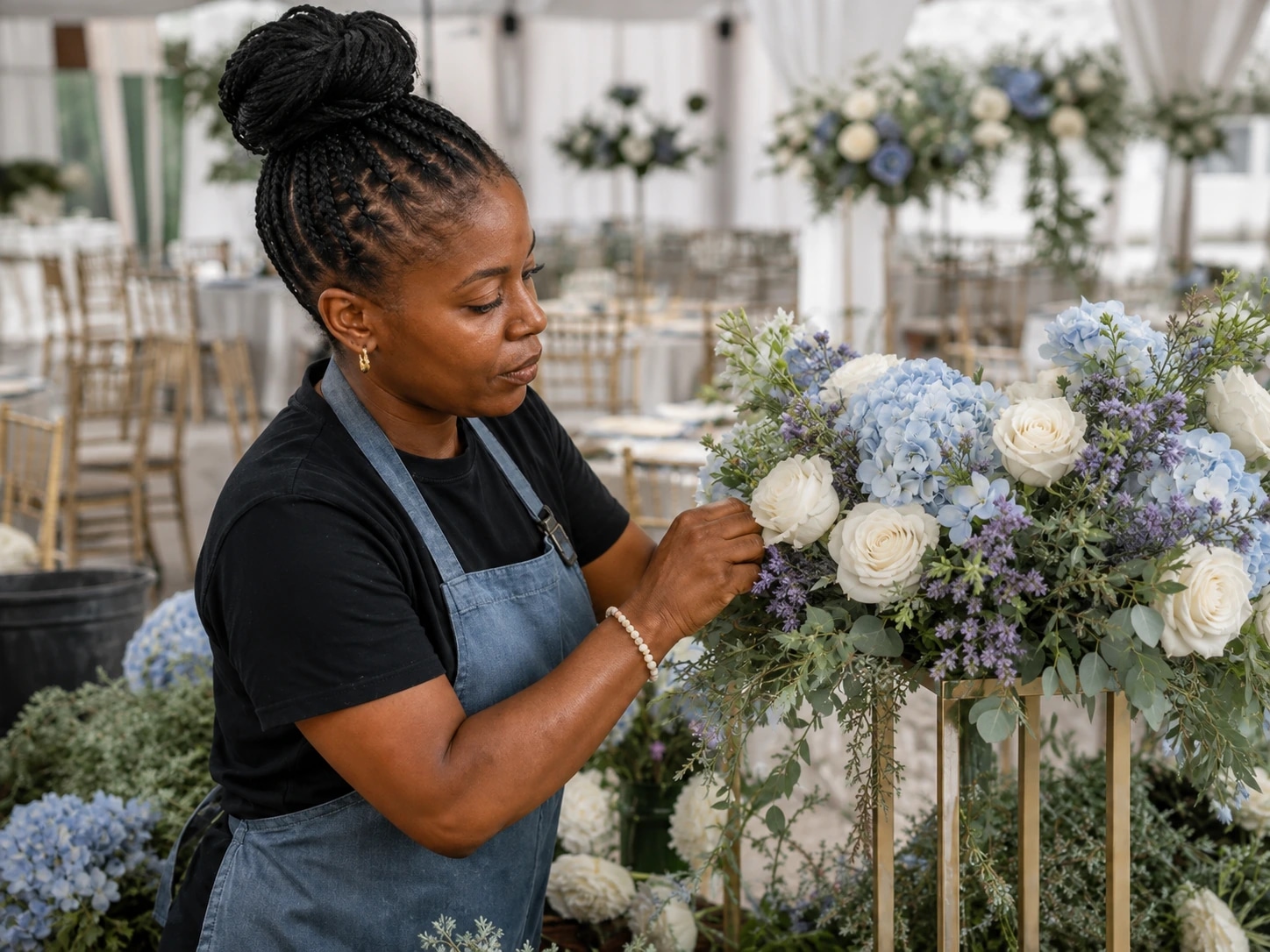
Discover venues, photographers, caterers and other wedding professionals by category and location.
Find Wedding Vendors
Publish your story, schedule, venue, dress guidance, registry and essential guest information.
Explore Wedding Websites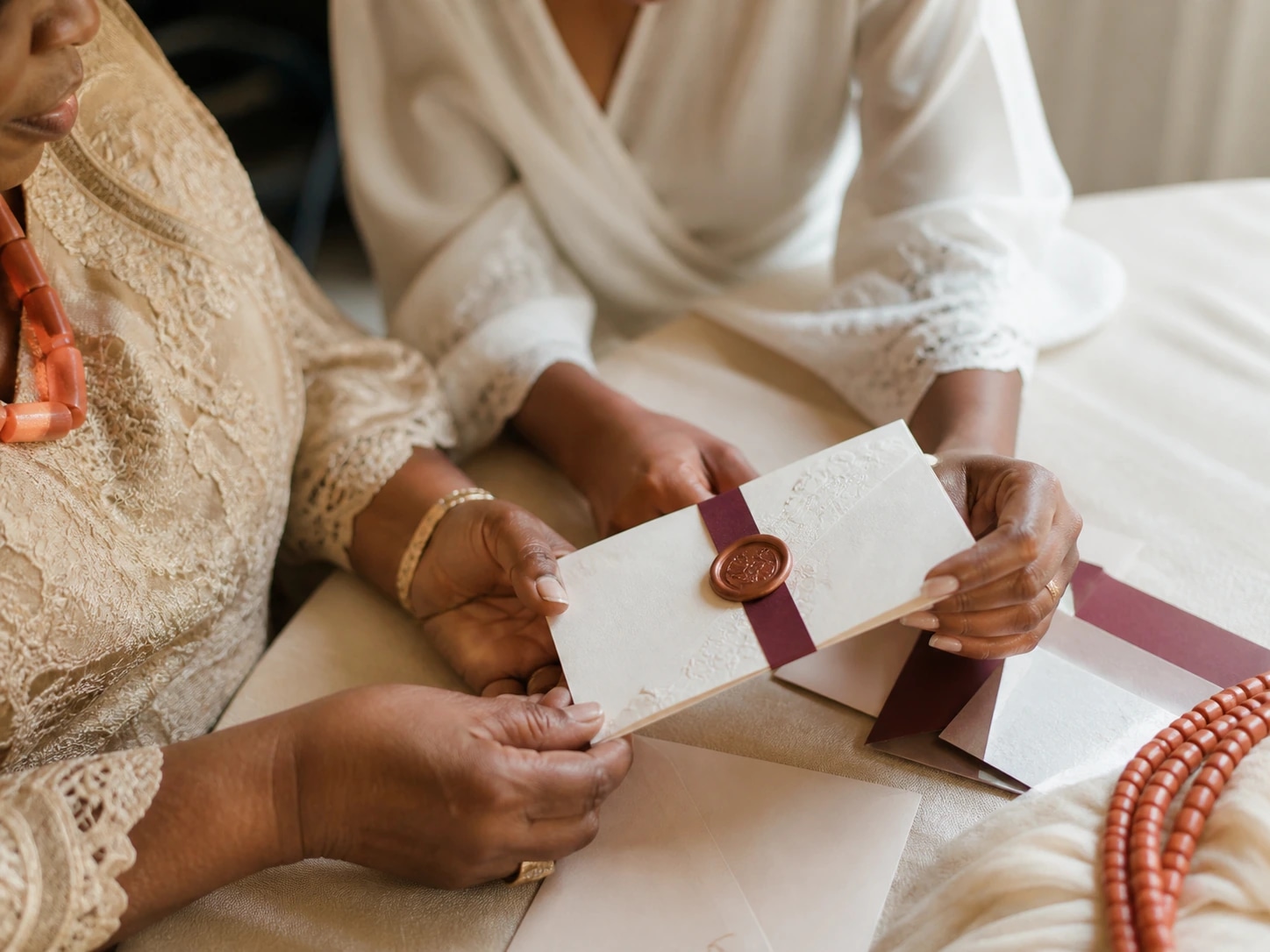
Invite whole households, set ceremony access and collect each guest's response from one private link.
Explore Invitations
Welcome invited guests with private QR passes, quick search and a prepared offline fallback.
Explore Guest Check-in
Give guests a no-install place to share photos and videos with the couple throughout the celebration.
Explore Photo BoothPractical answers
See where the shared wedding record begins, which information guests receive and how each focused product fits the celebration.
Wedding Studio creates the wedding record used by the website, household invitations, ceremony access, check-in preparation and private Photo Booth. Public and guest-facing experiences receive only the details required for their specific job.
Start in Wedding Studio with the city, ceremonies, guest estimate, budget and priorities. Those details provide the foundation for the website, guest list and event-day preparation without entering the same information in separate tools.
No. Guests use focused private links for RSVP, QR passes and Photo Booth access. They do not receive the couple's budget, tasks, collaborator settings or full guest list.
How it connects
Add the information once, then choose exactly where it belongs and who should see it.
Create the wedding, add ceremonies and shape the plan with your partner or planner.
Share the wedding website and send private invitations with the right ceremony access.
Check guests in, keep arrival moving and collect private memories without another app download.
Your wedding starts here